Using the wrong bill or reference
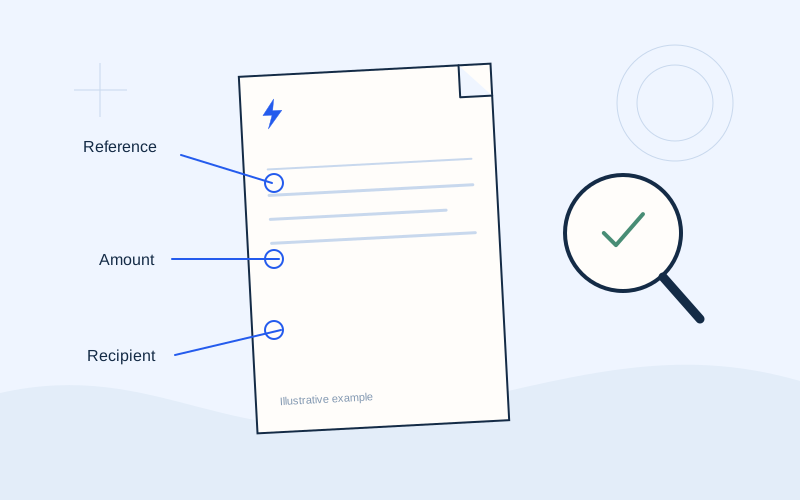
If several files have similar names, it is easy to open an older bill. Compare the period, issue date and supply before copying a reference. A saved payment organisation in your bank does not ensure that its saved reference is appropriate for today's payment.
Do not substitute a meter or supply number for a payment reference because both look numeric. Find the specific field identified by your supplier and follow the bank's instructions. When uncertain, ask for help without publishing your complete bill. Keep separate files for each supply if you regularly manage more than one property.
Entering the wrong amount or decimal
The total amount due can differ from an individual energy charge. Copy the amount relevant to the payment you intend to make, and check for previous balances, credits or a recent payment. Avoid adding individual lines yourself unless you understand how the total is calculated.
On the final screen, check the decimal separator and currency. For example, €86.40 is not €864.00; these figures are illustrative. If the app uses a comma rather than a full stop, read its final formatted amount before approval. Check that any automatically filled amount still matches the bill you selected.
Paying again after a delay
A frozen page does not prove that a transaction failed. Pressing confirmation again or immediately changing channels may create a second instruction. First open the bank or official service history and look for your initial attempt.
If you cannot determine its status, note the time and amount and contact the service that handled it. If you made a duplicate payment, ask the supplier how it appears on the account and what procedure applies. Do not assume an automatic refund. Keep both transaction references so the service can distinguish the attempts.
Confusing a scheduled instruction with execution
Creating an instruction for a future date does not mean the amount has already been debited. Read the execution date and status shown by the bank. If the due date is close, confirm how that particular channel and its processing time affect your bill.
The same caution applies to automatic payments. Activating a new direct debit does not prove it covers a bill already issued. Check your bank and supplier's instructions, and avoid making another payment before checking whether a debit is scheduled. Record the intended execution date rather than only the day you created the instruction.
Overlooking a fee or choosing the wrong organisation
Check whether the bank or channel displays a fee before approval. A service charge may appear separately from the amount assigned to your supplier. Do not deduct that charge from the bill without specific instructions. Terms vary between services.
If several organisations have similar names, select the one that matches the issuer and the bill's instructions. An older name following a brand change needs confirmation. Familiarity with a name is not enough to approve an unexpected recipient. Use verified help rather than choosing the closest-looking entry from a list.
Trusting a message in a hurry
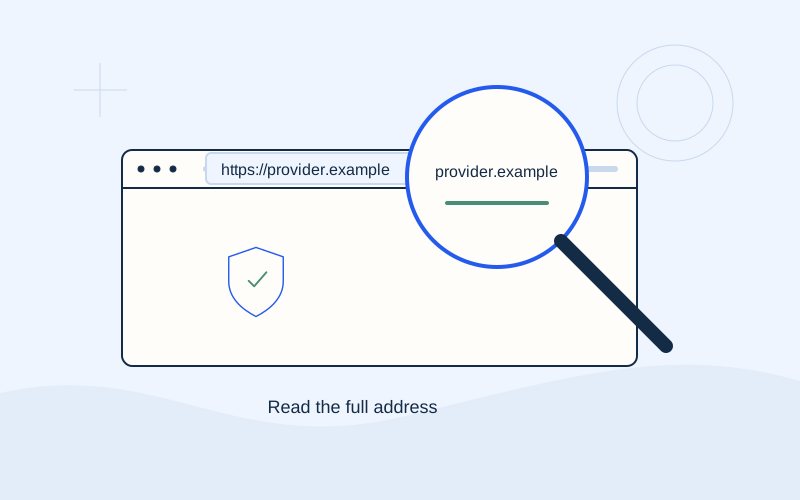
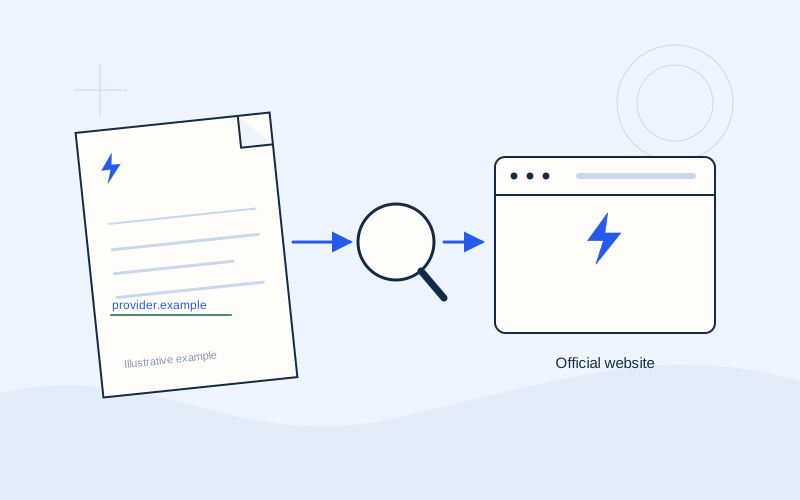
Do not let a message about immediate disconnection, a refund or an account lock replace checking the official environment. Open the service independently and see whether the issue appears there. Check the exact domain; HTTPS does not prove the page is genuine.
Never disclose PINs, CVVs, OTPs, passwords or recovery codes to a third party. Someone knowing your name, or a call appearing to come from a familiar number, is not sufficient evidence of identity. If you disclosed information, contact your bank immediately through a verified channel and explain what happened.
Losing the receipt or drawing an early conclusion
Do not leave the process without reviewing its final status and saving the receipt. An image of the screen before confirmation does not establish completion. Keep the transaction reference, date and amount issued by the official channel.
If the supplier's balance has not updated, compare this with the processing time given by the service. Do not immediately conclude that another payment is needed. Contact the supplier with the receipt for clarification and avoid sending unrelated personal information. A clear record helps you describe the problem accurately without sharing banking secrets.
A short check that prevents avoidable errors
Pause before approval: correct supply, correct issuer, correct reference, correct amount and a verified environment. After approval, check the status and save the receipt. Repeating the same small check is more practical than trying to remember later which steps you followed. If two people in a household manage bills, agree who will pay and where the completed receipt will be saved.
Frequently asked questions
I paid twice. What should I do?+
Gather both receipts and contact the supplier and, where needed, your bank. The appropriate procedure depends on the actual transactions and their terms.
Does a scheduling receipt mean the bill is paid?+
Not necessarily. Check whether the instruction executed, its date and its status in the official history. Ask the service if the status remains unclear.
Sources and further reading
Eurobank — Secure online transactionsProtergia — Online bill payment informationPPC — Payment and settlement informationEurobank — Internet fraud guidanceExternal links. Checked: 06.10.2026.Found something that needs correcting? Write to [email protected].
EPOS Electro is an independent informational website operated by ActivePhones. We provide general information about electricity bills and common payment methods in Greece. EPOS Electro does not process payments and is not an electricity supplier, bank or government authority.