Illustrative example — not an actual supplier bill.
1. Confirm the customer and property
Start with the contracting customer’s name, the address of the property supplied with electricity and the supply details. The address used to deliver a bill may be different from the consumption address. This matters when you manage several properties, receive correspondence elsewhere or have recently moved. Check the property before examining the amounts, especially if several documents arrived together.
A supply number, contract number, invoice number and payment reference may identify different things. If an important detail does not match your supply, ask for clarification using the supplier’s official contact information. Even a familiar-looking bill must concern the account you intend to manage.
2. Separate the different dates
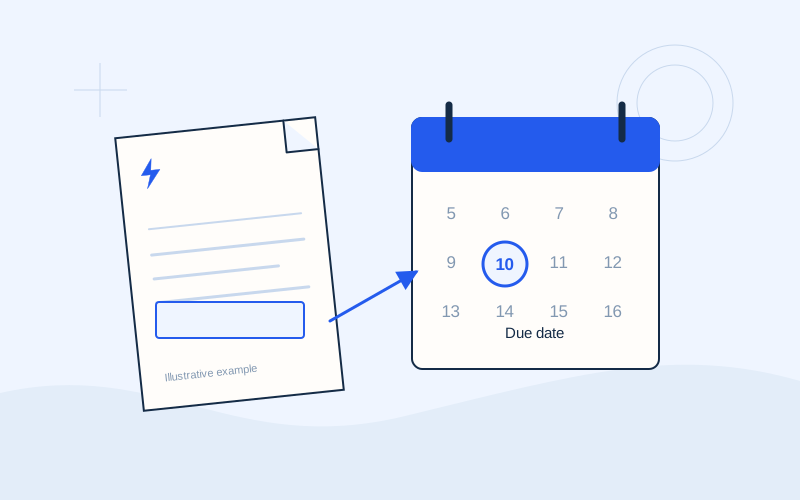
The issue date tells you when the document was created. The consumption period identifies the days covered by its energy calculation or meter readings. The payment due date concerns settlement. A bill may also show an expected next meter reading date. Read each label carefully instead of using the most prominent date as a substitute for the payment deadline.
Before comparing two bills, compare their covered periods. A larger total does not automatically mean higher daily consumption. One document may cover more days than another. Write down both the number of days and the kilowatt-hours if you want a more useful comparison. Also check whether either bill includes adjustments from an earlier period, which can distort a simple comparison of totals.
3. Read the consumption information
Electricity consumption is commonly expressed in kWh, or kilowatt-hours. Look for the readings used and whether the consumption was measured or estimated. Greek labels such as έναντι and εκκαθαριστικός help describe the billing basis and reconciliation of charges. Read them together with your supplier’s explanation; the label alone does not tell you everything about the calculation or the periods involved.
Where consumption is separated into tariff zones or meters, inspect each line. For an unexpected increase, note the period, readings and changes in property use. Heating or additional occupants may help frame a question without proving the cause. Avoid diagnosing a meter problem from the amount alone.
4. Group the charges before comparing them
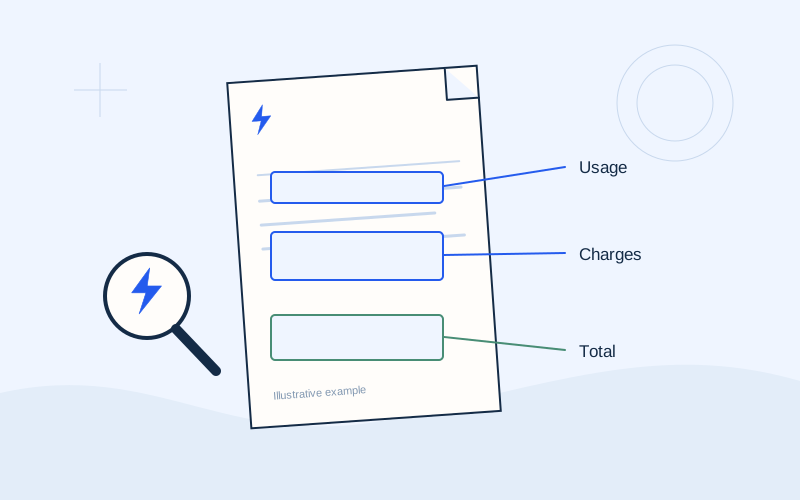
The detailed breakdown may show supply charges, fixed charges, regulated charges, taxes and amounts collected for third parties. Use the labels and explanations on your own supplier’s document. The charge for energy is not necessarily the entire amount payable. Dividing the final total by consumption and calling the result your contract energy price can therefore create an inaccurate impression.
Examine credits, discounts, previous balances and corrections separately. Distinguish energy used from the amount due now. Ask which period and calculation an unclear line concerns. EPOS Electro does not calculate the legally applicable charge or confirm correct tariff application. The supplier can explain the entries and the governing contract.
5. Identify the amount actually payable
Look for a field labelled total payable or amount due, then check whether it includes an earlier unpaid balance or credit. An amount covering only the current period can differ from the sum requested for settlement. If you made a payment after the bill was issued, the supplier’s official customer account may now show a different position. Compare dates as well as amounts.
Hypothetical example: a document shows new charges alongside a carried-forward balance. Paying only the new charges without checking the balance may leave a difference outstanding. This illustration is not a real bill or a universal settlement rule. If the printed document and online account disagree, ask the supplier for the current balance and an explanation of the movements that produced it.
6. Locate the payment information
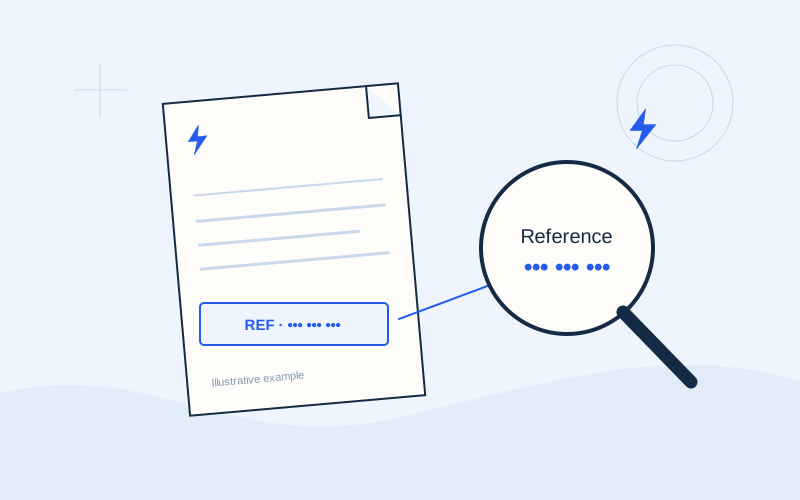
The payment or reference code is usually placed near settlement instructions and may appear beside a barcode or QR code. If an official channel requests an electronic payment code, use the field with that label rather than another number that looks relevant. Review the recipient and amount on the channel’s final confirmation screen. A successful scan does not replace that final review.
Read any direct debit indication before making a manual payment. Check whether the arrangement covers this bill and whether collection is scheduled or completed. The exact process differs according to your electricity supplier and bank. Do not enter account details, card information or banking credentials on EPOS Electro. This website provides explanations; a transaction is made only through the official channel you choose.
7. Prepare a question the supplier can investigate
If an entry remains unclear, collect the invoice identifier, the period in question, the exact line label and a short question. For example: “Which earlier period does this credit relate to?”. A specific question is easier to investigate than a general statement that the bill seems expensive. Keep the original document so the wording and figures remain available during the conversation.
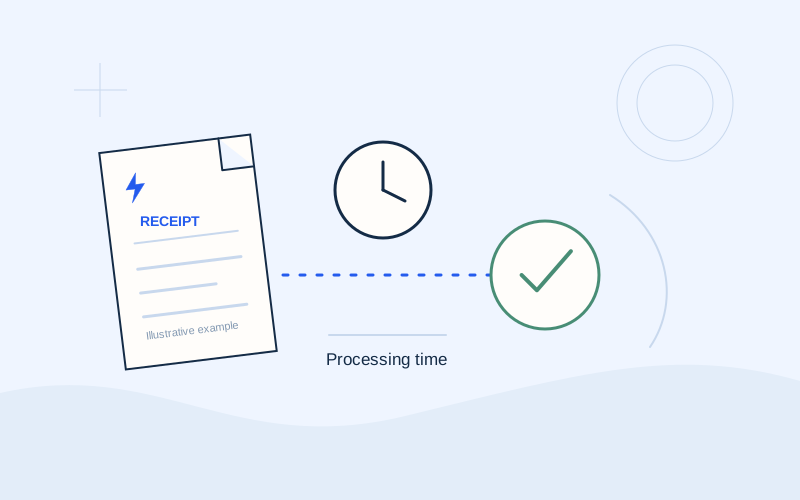
Use an official support channel and retain a case reference if one is issued. Avoid posting an entire bill in public comments because it contains personal information and account identifiers. Keep the bill, the supplier’s response and the payment receipt together. This creates a useful record linking the charge, its explanation and the transaction, instead of leaving you to reconstruct events from memory later.
A final reading checklist
Finish with a short review of the fields below. If one is unclear, resolve that specific question with the supplier before making assumptions about settlement.
- Correct property and electricity supply.
- Covered period, kWh and billing basis.
- New charges, previous balance and credits.
- Amount payable, due date and reference code.
- Any direct debit instruction or recent payment.
Frequently asked questions
Can I work out my contract price from the final total?+
You need to inspect the relevant energy charge and product terms. The total may include other charges and previous balances.
Why does the customer account show a different amount?+
Payments, credits or a later invoice may have changed the balance. Ask the supplier to reconcile the account movements.
Sources and further reading
Alpha Bank · Payments through official banking channelsPPC / ΔΕΗ · Understanding the electricity billExternal links. Checked: 06.10.2026.Found something that needs correcting? Write to [email protected].
EPOS Electro is an independent informational website operated by ActivePhones. We provide general information about electricity bills and common payment methods in Greece. EPOS Electro does not process payments and is not an electricity supplier, bank or government authority.