1. Read the precise banking status
Open the official transaction history of the channel used. Locate the payment by date and amount. A scheduled, pending or rejected instruction is different from one shown as executed. Read the explanation in your own service because labels and stages differ. A notification that an instruction was received may not describe its final outcome.
If you see only a reduction in available balance or a card authorisation hold, ask what it means for this transaction. A balance movement alone does not establish whether the supplier received and matched a payment. Retain the transaction identifier where available. It gives support a more precise starting point than a general description of a notification on your phone.
2. Separate execution from a supplier account update
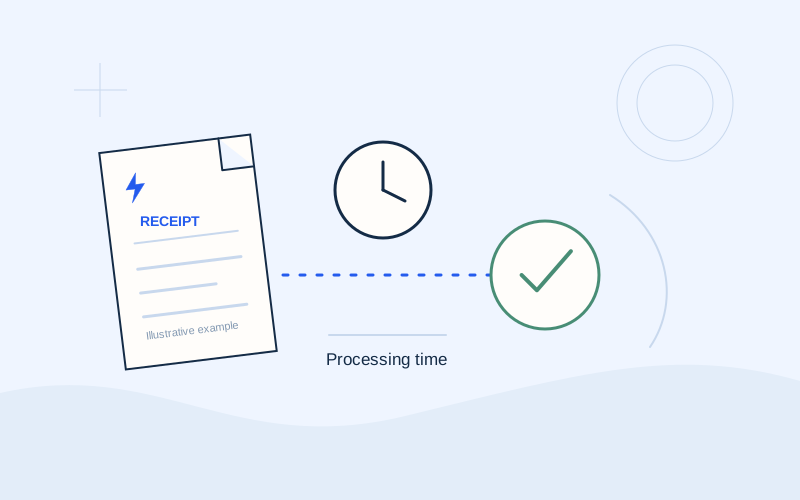
Execution may be followed by an update in the supplier’s system and matching against the reference. This does not mean every delay is normal or that you should wait indefinitely. Read the update information published by your payment channel and ask for guidance if its stated period has passed or no clear information is available.
Record when the transaction occurred and when you checked the balance. Holidays, selected execution dates and recording times need to be interpreted by the bank or supplier. EPOS Electro does not set a universal number of hours or working days and cannot view your account activity. The useful answer must relate to the actual channel and transaction, rather than a generic timing estimate.
3. Compare the reference, recipient and amount
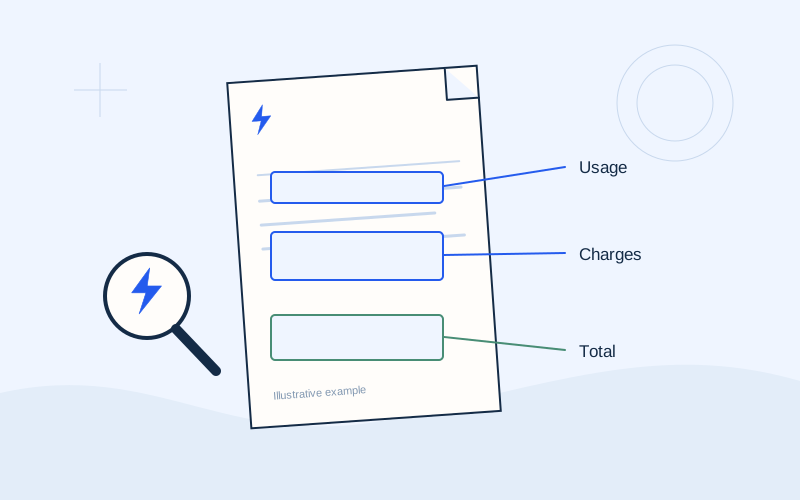
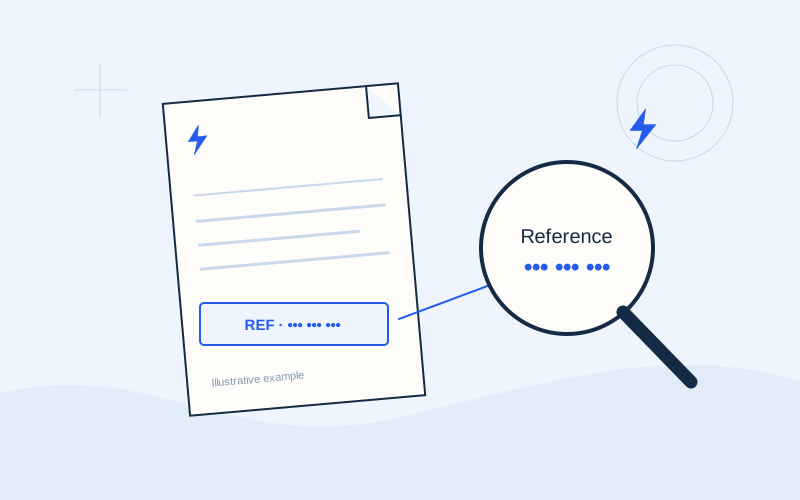
Compare the final receipt with the bill you intended to settle. Review the recipient, payment code and amount. If you used a saved template, make sure it did not concern another electricity supply or former supplier. A successful transaction does not by itself establish that the correct bill or customer account was selected.
If you find a discrepancy, preserve the original receipt rather than editing it to match your intention. Explain exactly what happened to the official support channel and ask which actions are available. Cancellation, correction, reassignment or refund cannot be assumed for every completed payment. Keep the original evidence so the organisation can investigate the transaction that actually occurred.
4. Check what the supplier screen represents
Confirm that you opened the correct supply in the official customer account. Distinguish the original PDF from the current movement history. An invoice issued before payment may continue to show its original amount as a historical document. Inspect the current balance and available payment entries rather than treating an unchanged downloaded file as a live account statement.
Hypothetical example: the bank shows an executed transaction, but the customer reopens a PDF saved before paying. The old amount in that file does not alone demonstrate failure. The current balance needs checking. This example does not promise that every discrepancy is caused by an old document; it explains why identifying the information source matters.
5. Prepare a concise evidence package
Collect the date, amount, channel, transaction status and identifier. Add the intended invoice and the reference used. Keep a short timeline describing when you submitted the instruction, what confirmation appeared and when you checked the supplier account. A coherent sequence is more useful than numerous screenshots without dates or context.
Send necessary details only through a verified bank or supplier channel. Exclude passwords, PINs, one-time codes and unrelated transactions. If a complete receipt is required, confirm the organisation’s secure submission method. EPOS Electro does not investigate or reconcile real banking transactions, and its contact form is not a place to upload banking evidence or sensitive account documents.
- The invoice you intended to settle.
- When and through which official channel the instruction was submitted.
- The current transaction status.
- The amount and reference recorded on the receipt.
- The supplier balance currently displayed.
6. Direct the question to the right organisation
For an unclear banking status, rejection or unrecognised debit, begin with the bank or payment channel. For matching an executed payment to an electricity account, ask the supplier to investigate using the receipt. Both organisations may eventually be involved, but a precise initial question makes the process clearer and reduces repeated explanations.
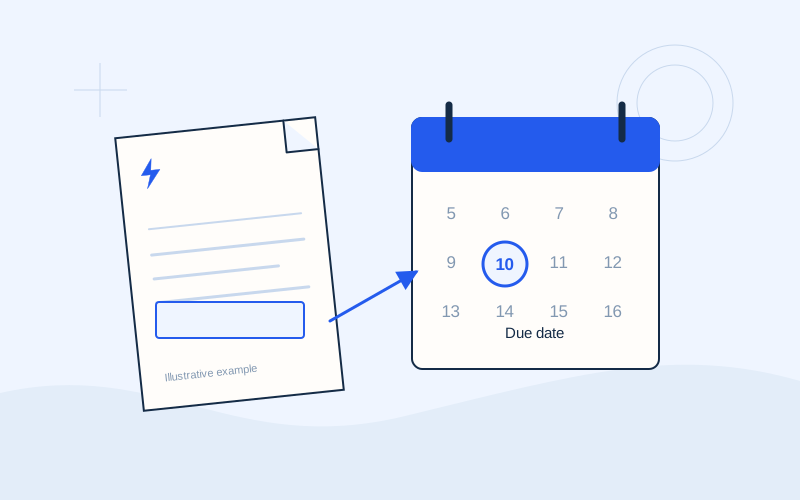
If the due date is approaching, tell the supplier about the transaction and ask how to address the balance still displayed. Retain the case identifier and any written response. Registering a support request does not automatically extend a deadline. The actual account position and any consequences require confirmation from the organisation responsible for your account.
7. Verify the resolution and preserve the record
After receiving an answer, confirm that it concerns the same transaction and electricity supply. Keep the final update with the original receipt. If a second payment is eventually made following official guidance, record both movements so you can identify any later credit or difference. Clear records help prevent the first payment being forgotten while resolving the second.
If you suspect that you used a fake website or approved an unrecognised transaction, contact your real bank immediately through a known official channel. Do not use support details from the suspicious message. EPOS Electro is an information website operated by ActivePhones and cannot cancel, refund or track a payment. A bank or supplier must handle the actual transaction.
Frequently asked questions
Should I pay again if the balance has not changed?+
First check the original transaction’s status and reference, then obtain guidance from the relevant official channel.
Is a confirmation screenshot enough?+
Prefer the final receipt and recorded status. An intermediate screen may concern an instruction before execution.
Sources and further reading
Alpha Bank · Payments through official banking channelsPPC / ΔΕΗ · Understanding the electricity billExternal links. Checked: 06.10.2026.Found something that needs correcting? Write to [email protected].
EPOS Electro is an independent informational website operated by ActivePhones. We provide general information about electricity bills and common payment methods in Greece. EPOS Electro does not process payments and is not an electricity supplier, bank or government authority.