Find the field with the correct label
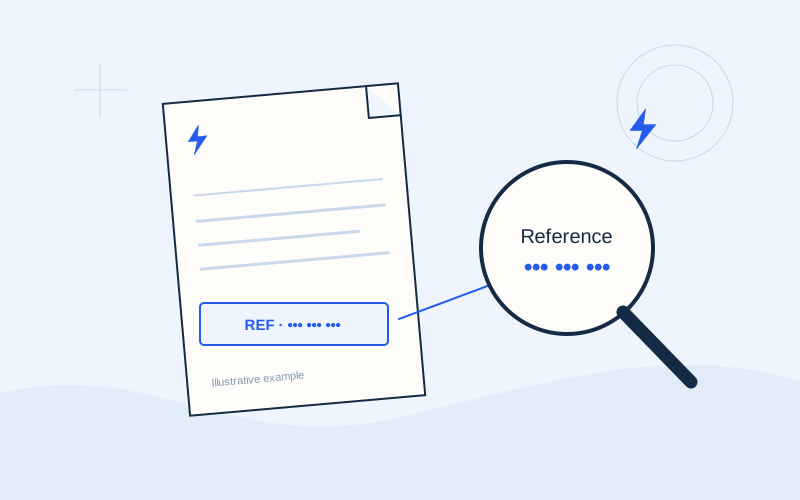
Look for “Payment code”, “Electronic payment code” or “Payment reference” near the settlement instructions. Greek labels may include «Κωδικός πληρωμής» and «Κωδικός ηλεκτρονικής πληρωμής». Some bills use an RF reference and display spaces to improve readability. Follow the official channel’s input instructions instead of guessing which characters should be added or removed.
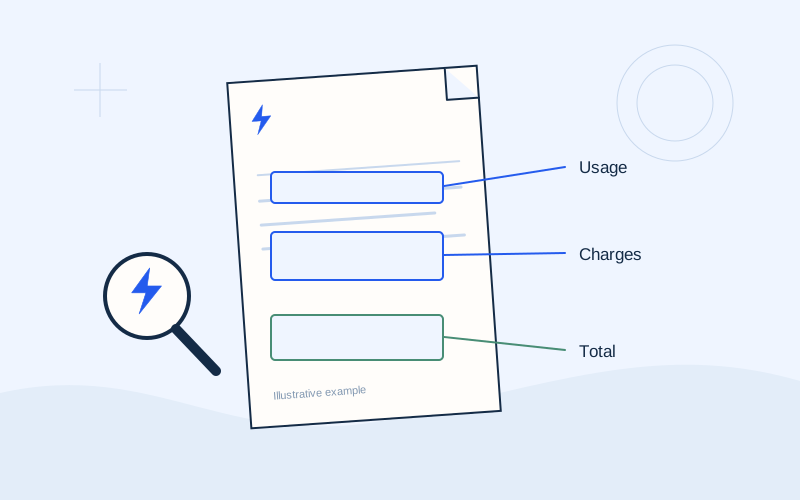
The same page may show a supply number, customer identifier and invoice number. Read the complete label of each field. If the banking service asks for a payment reference, choosing another identifier because it has a similar length is unreliable. Ask for clarification if the required field cannot be identified or the original document is difficult to read.
Know what a reference does and does not prove
A reference supports matching a payment to the intended account or obligation. By itself, it does not prove that a bill is genuine, that a website is legitimate or that the amount entered is correct. These are separate checks. Even when a system accepts the code’s format, review the organisation shown as the recipient before confirming.
The reference is also not a substitute for reading the due date or current account balance. A saved code does not explain payments and credits that occurred since an earlier bill. Begin each transaction with the current document and supplier instructions, rather than treating a previous template as sufficient information for every future payment.
Copy carefully and compare the full entry
When copying from a PDF, check that text from a neighbouring field or a hidden line break was not included. Compare the beginning, end and complete sequence against the bill. Avoid typing from a blurred photograph. Finding a clear original document is more useful than guessing a character that could be read in two different ways.
If the official system says the format is invalid, do not try random variations. Check that you selected the correct payment service or organisation and followed the field instructions. If the problem remains, ask the bank or supplier through official support. A format check is a reason to review the source, rather than an invitation to construct a new reference.
Review barcode and QR results
An official banking environment may allow scanning the bill’s barcode or QR code. Scanning makes input easier, but the final review still matters. Check what was imported, which recipient is displayed and whether the amount was filled automatically or needs a separate choice. Features differ between channels, so do not assume a scan always populates every field.
Use the code on your own verified bill. An unfamiliar QR in a message, on a sticker or in a public post is not evidence of an official payment destination. If scanning opens a website, verify its address before proceeding. EPOS Electro does not supply working payment references or settlement QR codes; any illustration on this information website is educational only.
Check saved references before repeating a payment
Some channels let you save payment templates. This can save time, but compare the template with each new bill. Check the organisation, reference, amount and electricity supply. After moving home, changing supplier or entering a new contract, repeating an earlier payment requires particular care. A convenient template name is not a guarantee that its underlying details are still appropriate.
Hypothetical example: a saved template concerns your former property, while you now need to pay for another supply. The familiar template name does not establish that its reference is correct. Compare the current bill with the stored details before approval. This example uses no real customer information or payment reference and describes a checking habit rather than a specific bank interface.
If you think the wrong reference was used
Review the transaction status in the official history and save its receipt. Record the recipient, amount and reference used, then compare them with the intended invoice. Changing a saved template does not necessarily cancel or correct a transaction already submitted. The template controls a future entry; the existing transaction needs its own status check and, where necessary, investigation.
Contact the bank or supplier using verified contact details and ask what actions are available for this case. A completed transaction is different from an instruction still scheduled for later execution. Automatic reassignment or a refund cannot be guaranteed here. Keep the case identifier and avoid making another payment until you understand the first transaction and the instructions provided.
Protect the document containing the code
A payment reference is not a PIN, but the complete bill may disclose a name, address, supply identifier and financial information. Avoid posting it on public forums or sending a full screenshot to unfamiliar support accounts. If your actual supplier needs a relevant detail, use its official channel and share only what is required to investigate your question.
Neither EPOS Electro nor a person explaining a reference field needs your banking credentials. EPOS Electro is an independent information website operated by ActivePhones and does not process payments. The final entry and approval of transaction details take place in the official service you choose. Do not provide banking passwords or security codes through this website’s contact channels.
Frequently asked questions
Is the supply number always the payment code?+
No. Read the bill labels and the instructions in the selected official channel.
Is acceptance of the code enough?+
Also verify the document’s origin, recipient, amount and transaction status.
Sources and further reading
Alpha Bank · Payments through official banking channelsPPC / ΔΕΗ · Understanding the electricity billExternal links. Checked: 06.10.2026.Found something that needs correcting? Write to [email protected].
EPOS Electro is an independent informational website operated by ActivePhones. We provide general information about electricity bills and common payment methods in Greece. EPOS Electro does not process payments and is not an electricity supplier, bank or government authority.