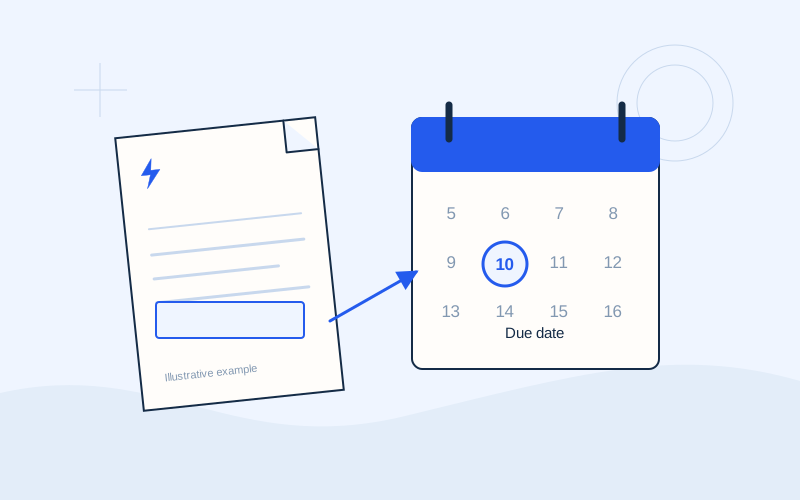
Look for the label beside the date
On the first page or in the payment panel, look for wording such as “Pay by”, “Due date” or “Payment deadline”. Greek bills may use «Εξόφληση έως» or «Ημερομηνία λήξης». Their location varies with the supplier and document format. For a digital bill, open the complete PDF rather than relying only on an email preview.
Record which invoice and property the deadline concerns. If you manage two electricity supplies, do not use one property’s date as a reminder for the other. Check that you are viewing the latest relevant document, rather than an older file left in your downloads folder. A clear filename and a separate reminder for each property reduce avoidable confusion.
Separate issue, consumption and payment dates
The bill issue date, consumption period and payment deadline answer different questions. A date next to a meter reading concerns measurement. A period with a start and end concerns the days being billed. Neither should replace the settlement field. There may also be a date for the next expected reading, which serves another purpose.
Hypothetical example: a bill includes an issue date, a separate payment deadline and an expected next meter reading. Your payment reminder should use the deadline, rather than the last date appearing on the page. This example illustrates the distinction between fields; it does not define a real deadline, grace period or permitted number of days after issue.
Understand why deadlines can differ
The supplier, product, billing cycle and individual terms of your arrangement influence the instructions shown on your bill. A payment arrangement may have separate dates as well. Avoid calculating a deadline by automatically adding a familiar number of days to the issue date. A pattern from previous invoices is useful context, but the current bill still needs to be read.
If you have agreed a separate repayment schedule, consult that document and ask how it relates to a new invoice. EPOS Electro cannot confirm whether an extension or verbal update applies to your account. The relevant answer must come from the supplier and concern the particular debt. Keep any written clarification alongside the document so you can refer to it later.
Allow time for execution and account updates
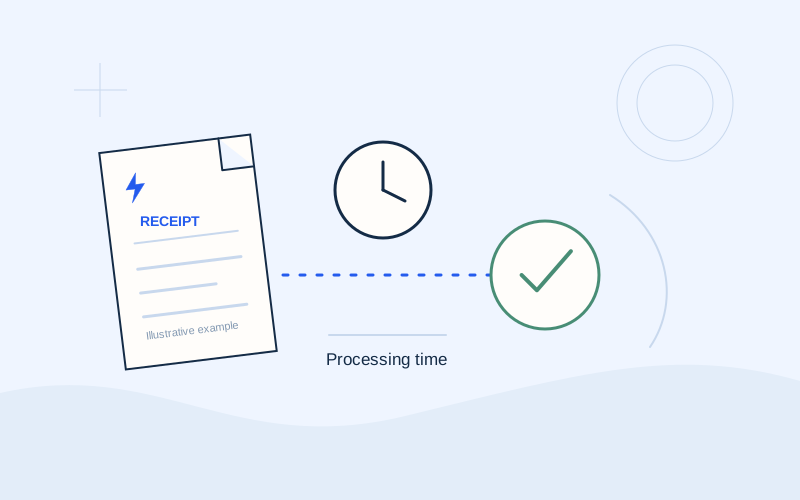
Submitting an instruction, having it executed by a bank and seeing it credited by the supplier are not necessarily the same event. Read your chosen channel’s information about execution, working days and account updates. The fact that an application is available at any hour does not mean every payment instruction executes and becomes visible immediately.
Set a reminder that leaves time to check the amount, reference and transaction status. For a scheduled payment, confirm the selected execution date and that the instruction is still active. If a holiday or a late submission matters, obtain the channel’s specific guidance. This article does not set a universal processing allowance or promise that a last-minute instruction will count as an on-time payment.
Check direct debit arrangements separately
Direct debit does not remove the need to read each bill. Check that the mandate is active, connected to the correct supply and applicable to the invoice in question. A newly activated arrangement may not cover a bill already issued. The payment due date and collection date may also be displayed separately, so read the wording around both.
Before paying manually near a planned collection, review the status with the bank and supplier. If another debit may follow, ask for instructions to avoid paying twice. Keep the answer with the bill. Remembering that you enabled an automatic arrangement in the past is not enough to establish whether a particular invoice has been collected or is still awaiting collection.
If the deadline is unclear or already passed
If the date is unreadable, missing or different across official screens, request the complete document and the current balance. Explain exactly which details disagree. If the deadline has passed, contact the supplier about the amount due and the options available for your account. Keep a note of the reply or case reference instead of relying on an assumption.
Do not assume an automatic extension, a specific late charge or a predetermined consequence. Terms and circumstances require individual confirmation. If you have already paid, collect the final receipt and transaction status. Ask for the payment to be checked rather than making another transaction solely because the supplier balance has not yet changed. A second payment can complicate the original uncertainty.
Build a repeatable reminder routine
Use your calendar as an aid while retaining the original invoice as the reference. Update the reminder if a corrected document changes the instructions.
- Identify the deadline and the supply concerned.
- Check the amount and any active direct debit.
- Read the official channel’s execution information.
- Record completion and save the final receipt.
- Verify the supplier’s account position afterwards.
Frequently asked questions
Is the date of an email the payment deadline?+
Not necessarily. Open the bill and find its specific payment due date field.
Can EPOS Electro extend a deadline?+
No. It is an independent information website operated by ActivePhones. It does not manage debts or process payments.
Sources and further reading
Alpha Bank · Payments through official banking channelsPPC / ΔΕΗ · Understanding the electricity billExternal links. Checked: 06.10.2026.Found something that needs correcting? Write to [email protected].
EPOS Electro is an independent informational website operated by ActivePhones. We provide general information about electricity bills and common payment methods in Greece. EPOS Electro does not process payments and is not an electricity supplier, bank or government authority.