Start with your own bill
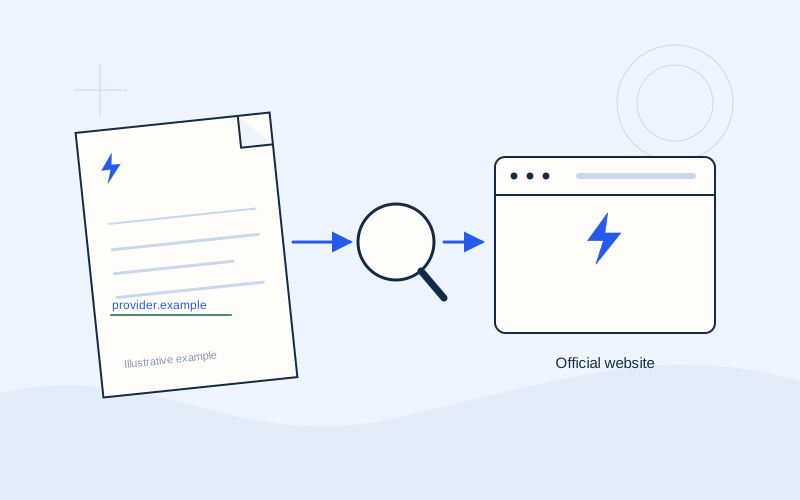
Open the recent bill you received from your supplier, or retrieve it within the supplier's official customer account. Check the supply, billing period, amount due and due date. If you manage several properties, make sure you have selected the correct supply. The same supplier may issue separate bills for your home and business.
A message mentioning a debt does not replace checking the bill. If its amount does not match the information in the official account, ask the supplier to explain the difference before proceeding. Keep the bill open beside the payment screen so that you can compare details directly.
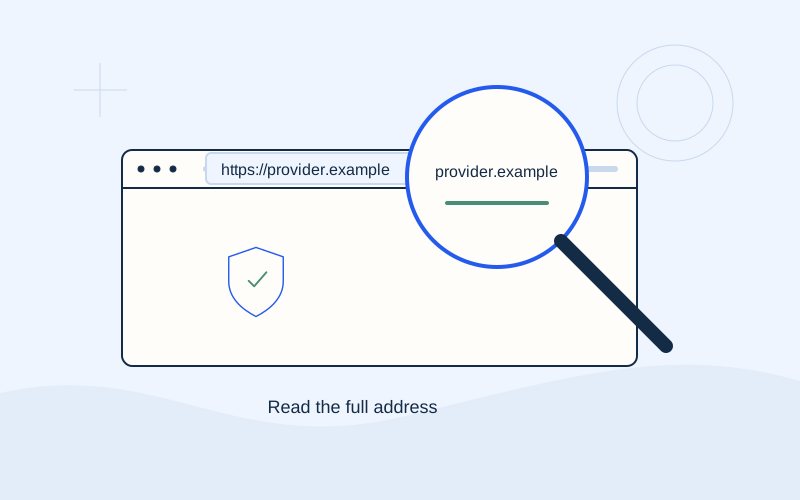
Check the domain, not just the logo
Read the complete address in the browser's address bar. A logo, familiar photograph or supplier name in page text can be copied. Start from an address you have checked against your bill, or a bookmark you created after verifying the site.
Do not assume a link is trustworthy because it appears first in search results. If you arrived from a text message, email or advert, check the address independently. On a small mobile screen, tap the address bar to reveal the full website name before entering information. A convincing page design is not proof of who operates it.
Understand what HTTPS tells you
HTTPS encrypts the connection between your browser and that particular website. It is an important technical check, but does not prove that the website belongs to the supplier you expect. A misleading website can also use HTTPS.
Stop if the browser displays a certificate or insecure connection warning. Do not bypass the warning to finish a payment. Return to your verified starting point and seek help from your bank or supplier using contact details checked independently. Browser symbols vary, so pay attention to the connection information and warnings rather than expecting one specific padlock image.
Keep private codes private
Never disclose PINs, CVVs, passwords, one-time passcodes or recovery codes to a third party. This includes phone calls, emails, chats and supposed support requests. EPOS Electro does not ask for any of these details. Do not send a photograph of your card or a screenshot of an authorisation message.
A real transaction may involve authentication within the verified bank or payment provider environment. Read what that authentication authorises. Never dictate a code to a person, and do not approve a notification for a transaction you did not initiate. Unexpected requests deserve a pause, even if they arrive while you are paying a genuine bill.
Confirm the amount and recipient
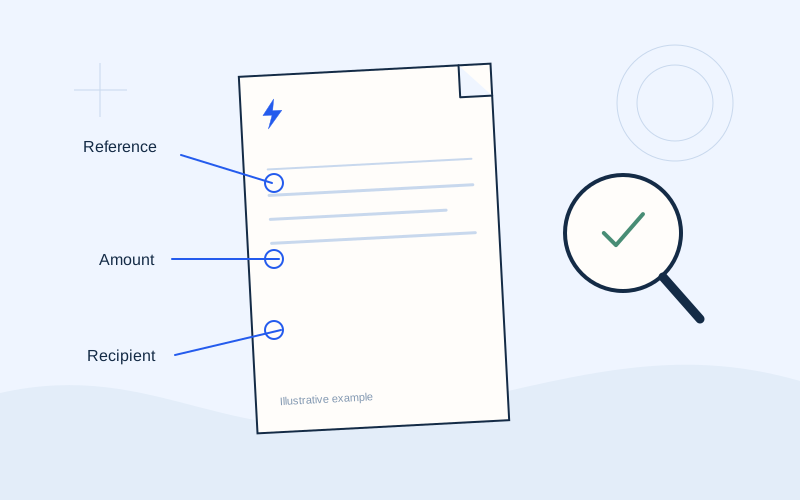
Compare the final amount with your bill. Check the currency, any fee and the total charge. Watch the decimal separator: an extra digit can change the amount considerably. Where a form allows you to enter an amount, do not assume it has filled in the correct figure for you.
Check the recipient or payment organisation when that information is displayed. If a name is unexpected, do not guess how it relates to your supplier. Ask for confirmation. Use the payment reference for the appropriate bill, rather than selecting an old saved reference without comparing it. Review every part before approving the instruction.
Allow the confirmation to finish
After authorising a transaction, wait for the system's response. Avoid repeatedly pressing confirmation or immediately starting another payment if the page is slow. Losing your connection does not by itself tell you whether the instruction was executed.
Check the transaction history in your bank or the official service. Distinguish a scheduled instruction from a completed payment. If its status remains unclear, contact the relevant service with the time, amount and transaction reference. This information is more useful than making another attempt and hoping the first one failed.
Save the receipt and plan the next bill
Save the receipt issued by the official channel. A clear filename containing the supplier and month makes it easier to find later. Store it privately and avoid sharing a complete receipt on social media or public chats. When asking for help, provide only the information the verified service needs.
The supplier's balance may update at a different time from the bank instruction; timing depends on the channel. Set a reminder before the next due date, and check whether an automatic payment is already active. This makes it easier to avoid paying twice simply because a familiar bill arrived.
If something seems suspicious
Close the page and contact your bank through its app or an independently verified number. If you disclosed details or approved an unfamiliar transaction, tell the bank immediately and follow its instructions. Preserve relevant messages as evidence without replying to the sender. Contact the supplier separately if the incident concerns a bill.
Frequently asked questions
Is HTTPS enough to trust a page?+
No. Also check the exact domain, the organisation and how you reached the page. Encryption protects the connection; it does not endorse the website.
Can EPOS Electro check whether I paid?+
No. Your bank, official payment channel or supplier confirms the status of a real transaction. This website provides general information only.
Sources and further reading
ENISA — Cyber hygieneENISA — Phishing threat landscapeEurobank — Internet fraud guidanceNBG — Security of transactionsExternal links. Checked: 06.10.2026.Found something that needs correcting? Write to [email protected].
EPOS Electro is an independent informational website operated by ActivePhones. We provide general information about electricity bills and common payment methods in Greece. EPOS Electro does not process payments and is not an electricity supplier, bank or government authority.