Identify the company that issued the bill
Open your latest bill or contract and find the supplier's name. If you recently changed suppliers, an older bill may be a final settlement from the previous company. For that bill, you need the appropriate channel of its issuer, rather than automatically using your new supplier's service.
Check that the supply address and account details fit your situation. Recognising a trading name does not mean every message using that name concerns your real contract. In a household with several accounts, compare the supply details instead of relying on the envelope or an email subject line alone.
Use an independent reference point
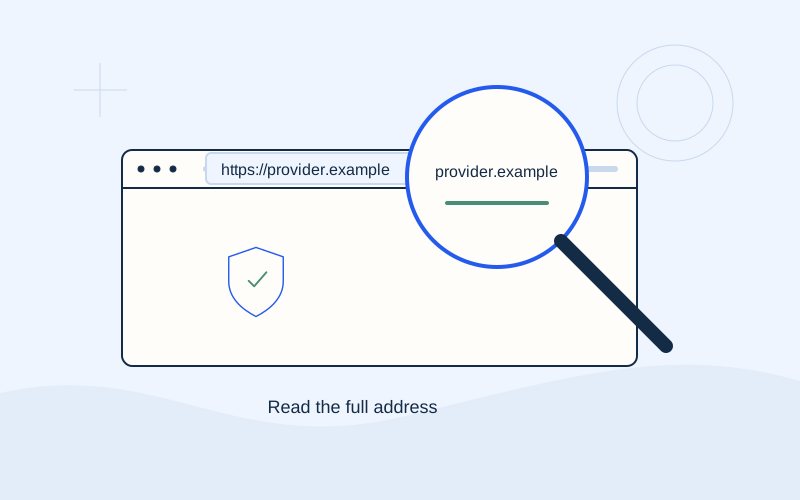
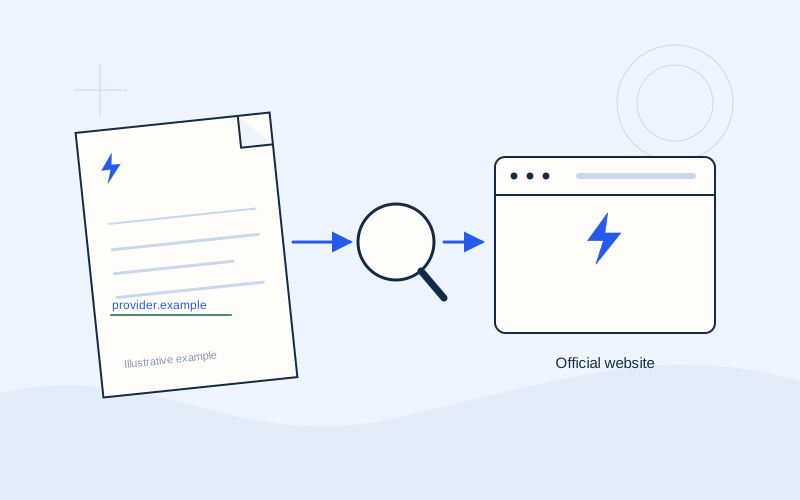
Compare the website address with your bill, verified contract or material you received from the company. Type it carefully into your browser. An already verified bookmark or the official app you normally use can also be a practical starting point.
If a message itself looks suspicious, do not use the contact details inside it to verify its authenticity. Find the details separately through the confirmed website or your own bill. This prevents the answer coming from the same questionable source. Keep a note of where you obtained the address if you need to check it again.
Review search results carefully
Searches can show adverts, informational guides, tariff comparison pages and genuine supplier websites. Read the address of each result. Its title may include the company's name even when the page belongs to somebody else.
A high search position does not establish an organisation's identity. Do not choose a page solely because its title mentions payments or customer service. The aim is to confirm the exact domain and reach the actual supplier's homepage. When the displayed address is shortened, inspect the complete address in your browser before entering information.
Find help through the homepage
After checking the website, look for customer service, bills or payment methods in its navigation. Menu names vary. If you need another language, use the site's own language selector and check that you remain on the expected domain.
An information page may explain your options without being a transaction environment itself. Read the instructions first. Signing into a customer account or saving an instruction does not necessarily mean a bill has been paid. Identify what the next step does before continuing, particularly when you are using the service for the first time.
Distinguish the supplier from your bank
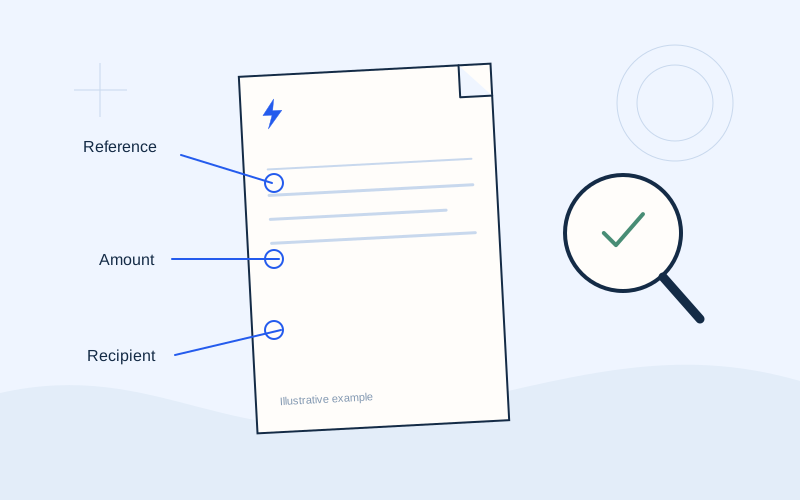
If you choose e-banking, you can open your own bank's official service directly. You do not need to find a separate website promising to pay on your behalf. Within the banking environment, check the payment organisation, reference and amount.
A supplier website may move you to a bank or another payment provider environment during its process. Confirm that this transition is described in the official instructions. Stop and ask for clarification if the domain or recipient is unexpected. Do not infer a relationship merely because two screens display similar logos or colours.
Check apps and changes of name
To install an app, prefer the link from the supplier's verified website to the app store. Compare the app name and publisher details. Avoid installing an app file received in an unsolicited message or from someone claiming to provide technical assistance.
A change of brand or service needs confirmation through the company's announcement. For example, Enerwave itself announced the change from Elpedison on 13 November 2025. A new name in an email does not by itself prove that this particular sender is authentic. Verify the announcement and destination separately before updating your saved details.
Use informational directories with context
An independent directory, such as the EPOS Electro supplier page, is a reference aid. It is not an official government register, ranking or statement of partnership. A review date records an editorial link check, rather than certification of the supplier.
If an external link does not work, return to the supplier's confirmed homepage. A broken page is not a reason to switch to an unfamiliar service. Current fees, available methods and deadlines should be confirmed with the supplier and your bank. Keep this distinction in mind when reading summaries on any independent website.
Make the check easy to repeat
Save the confirmed homepage with a clear bookmark name, and store your bill privately. At the next payment, check the issuer, amount and reference again. Never give a third party a PIN, CVV, OTP, password or recovery code to help you locate a website. Finding an official address does not require banking secrets. If you cannot resolve a mismatch, use the supplier's verified customer service channel before authorising a transaction.
Frequently asked questions
Is an information website a supplier partner?+
Publishing information or links does not establish a partnership. EPOS Electro is independent and does not provide account or payment services for suppliers.
What if the website has changed its name?+
Check the supplier's own announcement and confirm the change through a known customer service channel. Do not rely solely on a new URL in a message.
Sources and further reading
PPC — Contact and supportEnerwave — Elpedison becomes EnerwaveENISA — Phishing glossaryExternal links. Checked: 06.10.2026.Found something that needs correcting? Write to [email protected].
EPOS Electro is an independent informational website operated by ActivePhones. We provide general information about electricity bills and common payment methods in Greece. EPOS Electro does not process payments and is not an electricity supplier, bank or government authority.