Check the supply and bill issuer
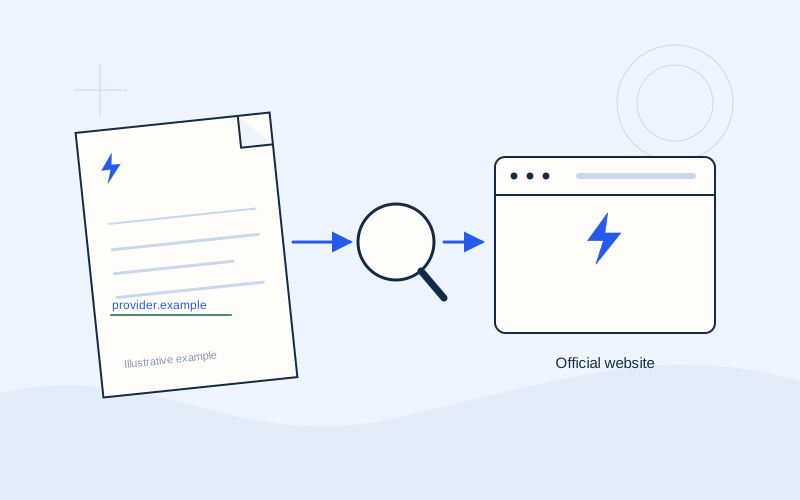
Keep the bill you intend to pay open. Compare the supplier, supply address and billing period. If it concerns a previous supplier, confirm that your payment is directed to that issuer. If you are paying for a relative or a communal supply, obtain the correct bill first.
Do not rely on a saved filename. A file labelled bill may be old or relate to another supply. Check the document's own details and whether somebody else in the household has already paid it. A brief conversation can prevent a duplicate payment when several people share responsibility.
Compare the payment reference
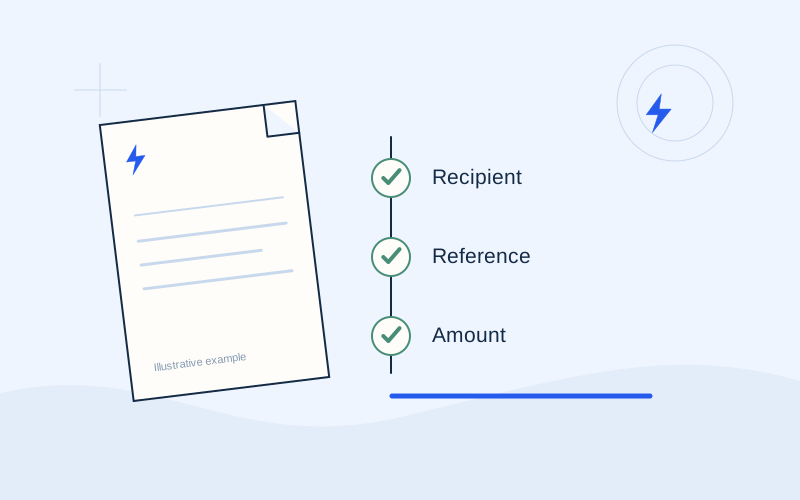
Check the complete reference, rather than only its last digits. If you copied it from a file, watch for spaces or changes introduced during copying. If you scanned it with your banking app, read the result again. Scanning helps enter information, but does not replace checking the actual bill.
Stop if the service displays different information from what you expected. Do not arbitrarily change digits to make a reference accepted. Your supplier or bank can explain the appropriate field and required format. Use the reference labelled for payment rather than assuming any account number will work.
Read the amount as though entering it again
Compare the final amount with the selected amount due on your bill. Watch the decimal separator, currency and any credit balance. If it differs because of a previous partial payment or arrangement, confirm the remaining balance with the supplier.
Also check any channel fee and the total charge. For an illustrative payment of €72.50 with a separate fee, make sure you understand what goes to the supplier and what is charged for the service. This example does not describe a particular bank's pricing. A total debit and a bill payment amount are not always displayed as the same figure.
Check the displayed recipient
Where the screen shows an organisation or recipient, compare it with the issuer and official instructions. A familiar word inside a name is not enough. If you see an unexpected person or company, ask the supplier to explain through a verified channel.
Payment methods do not all display identical information. If your bank provides a warning or a detail-check result, read it and follow its instructions. Do not overlook a mismatch because the reference looks correct or because you want to finish quickly. Resolve the uncertainty before approving the instruction.
Review when the instruction will execute
Check whether the instruction is immediate, scheduled or recurring. The day you create it may differ from its execution date. If you accidentally chose a later date, correct it before approval.
Check the bill's due date and the processing information for that particular channel. Do not assume every method updates the supplier's balance immediately. If the deadline is close and the timing is unclear, ask the service handling the payment. Check for an existing automatic debit too, so your manual instruction does not overlap with another planned payment.
Confirm that you are in the verified environment
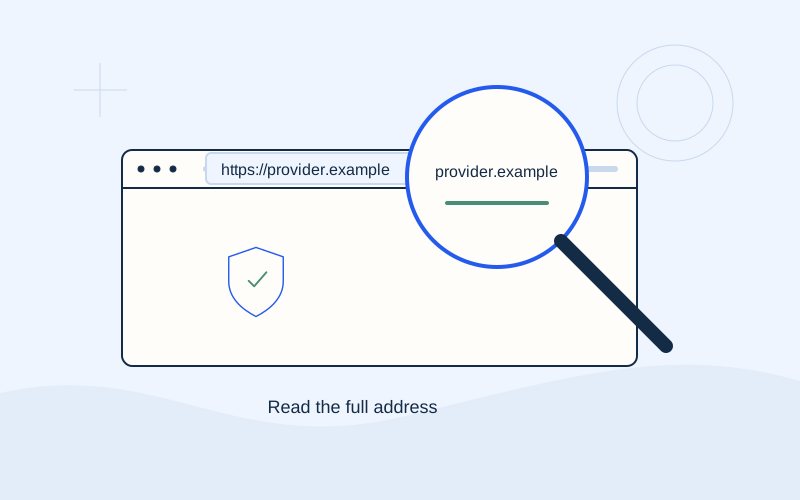
Check the browser domain or the official app you opened. HTTPS protects the connection, but does not establish legitimacy or supplier identity. An unexpected page change, request to install an app or instruction to allow remote control of your device deserves a pause.
Never disclose PINs, CVVs, OTPs, passwords or recovery codes to a third party. If the bank presents a real authentication step, read the amount and action it concerns. Do not approve a notification describing a different action, and do not dictate codes to a supposed representative. Authentication should match the transaction you initiated.
After approval, review the result
Wait for the final status and save the receipt from the official channel. Check the amount, date and transaction reference. If the system says pending or scheduled, do not record it as a completed settlement without further checking.
If your connection drops, inspect the transaction history before repeating the payment. Ask the bank or supplier for help with an unclear status. Store the receipt privately. EPOS Electro does not need a copy of your card, a complete bill or a banking code to explain general payment methods. The service that handled the real transaction is responsible for clarifying its status.
Your short final checklist
Use the same order each time. If one detail does not match, resolve it before approval. A consistent sequence makes it easier to avoid rushed decisions, including when you pay on a small phone screen. Keep the bill beside you until the result has been checked.
- Correct bill and supply.
- Correct organisation and payment reference.
- Correct amount, currency and any fee.
- Expected execution date.
- Verified environment and understood authorisation.
- Final status checked and receipt saved.
Frequently asked questions
The app accepted the reference. Is that enough?+
No. Check the bill, amount, organisation and execution date too. Technical acceptance of one field does not confirm the entire transaction.
Can EPOS Electro approve my payment?+
No. We provide general information. You authorise the real payment in an official channel supported by your supplier or bank.
Sources and further reading
Protergia — Online bill payment informationEurobank — Secure online transactionsNBG — Security of transactionsExternal links. Checked: 06.10.2026.Found something that needs correcting? Write to [email protected].
EPOS Electro is an independent informational website operated by ActivePhones. We provide general information about electricity bills and common payment methods in Greece. EPOS Electro does not process payments and is not an electricity supplier, bank or government authority.